Meta Note is here.
Capture the thought on set and keep its timing and production context ready for the edit.
Read release notes ↗ Meta Note

The app behind the film
Capture timecoded notes on iPhone. Bring them into DaVinci Resolve on Mac.
Try it here
Type a note. Its timecode stays with it.
Typed-note demo. Voice capture and sync are in the app.
Tap anywhere to type a note.
On set
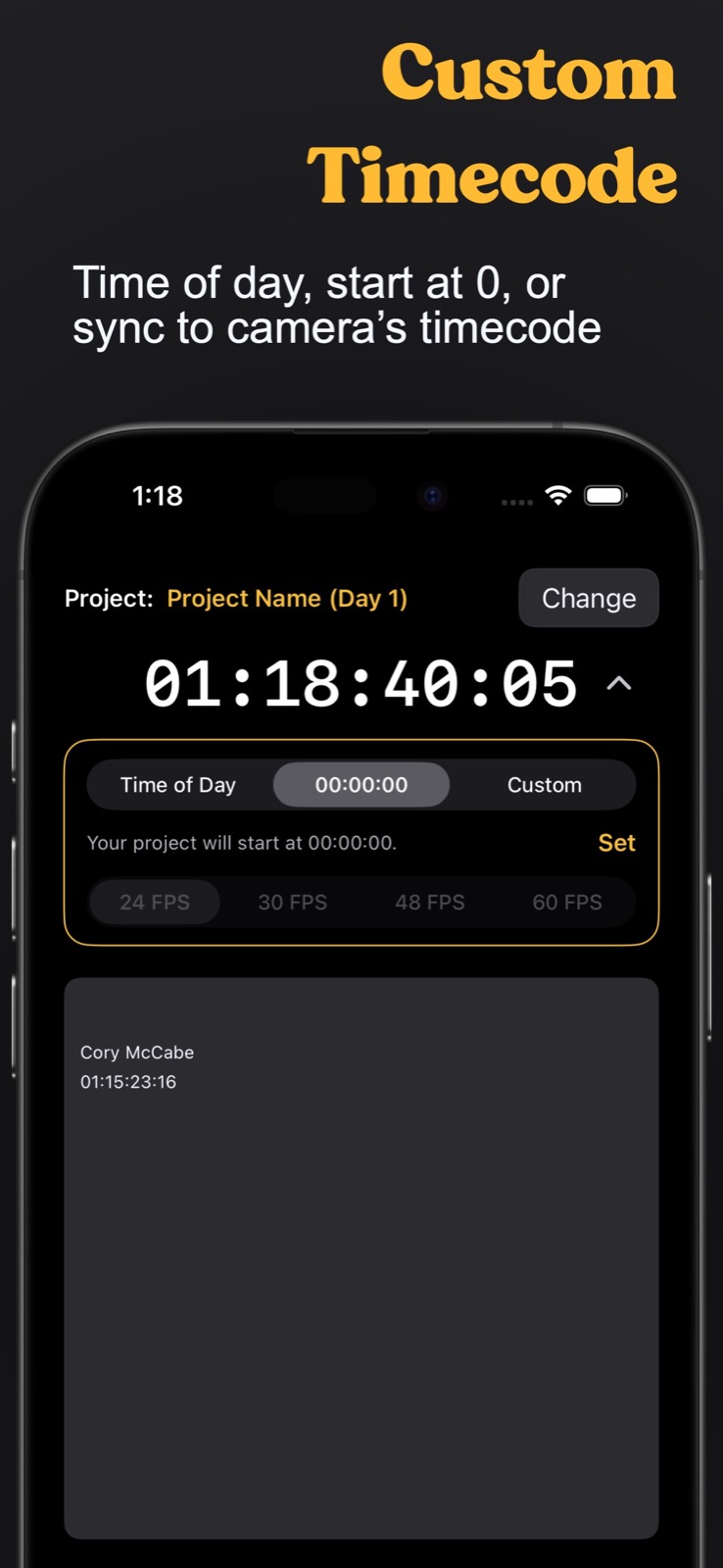
Set your frame rate and timecode for each production day.
In the edit
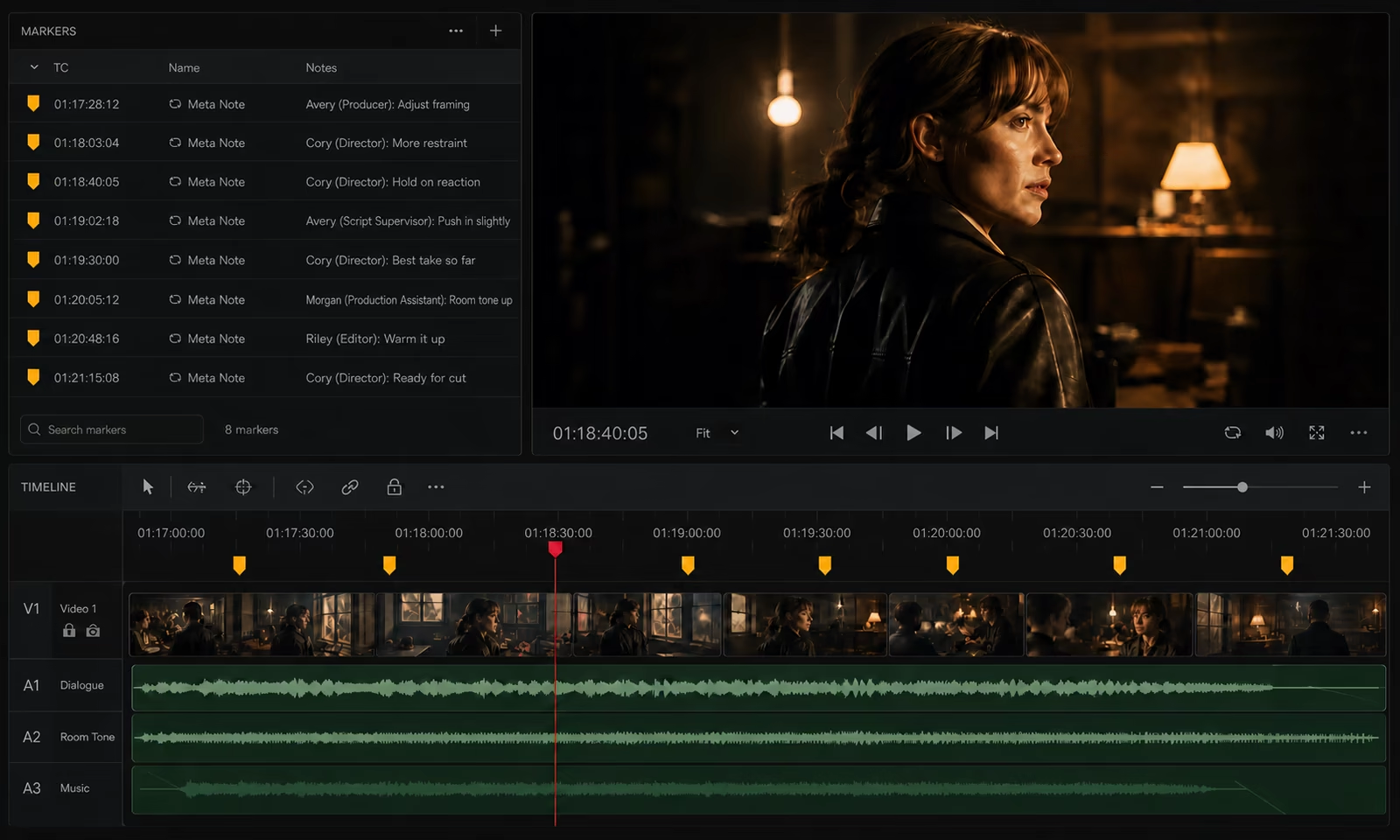
Bring notes into DaVinci Resolve as markers, with timecode and contributor context.
For crews
Director
Capture performance notes and preferred takes while they’re fresh. Give editorial the timecode and creative intent behind each choice.
10:18:40:05Take 3: keep the pause before the final line. Best reaction from Maya.
Our advantage

 Meta Note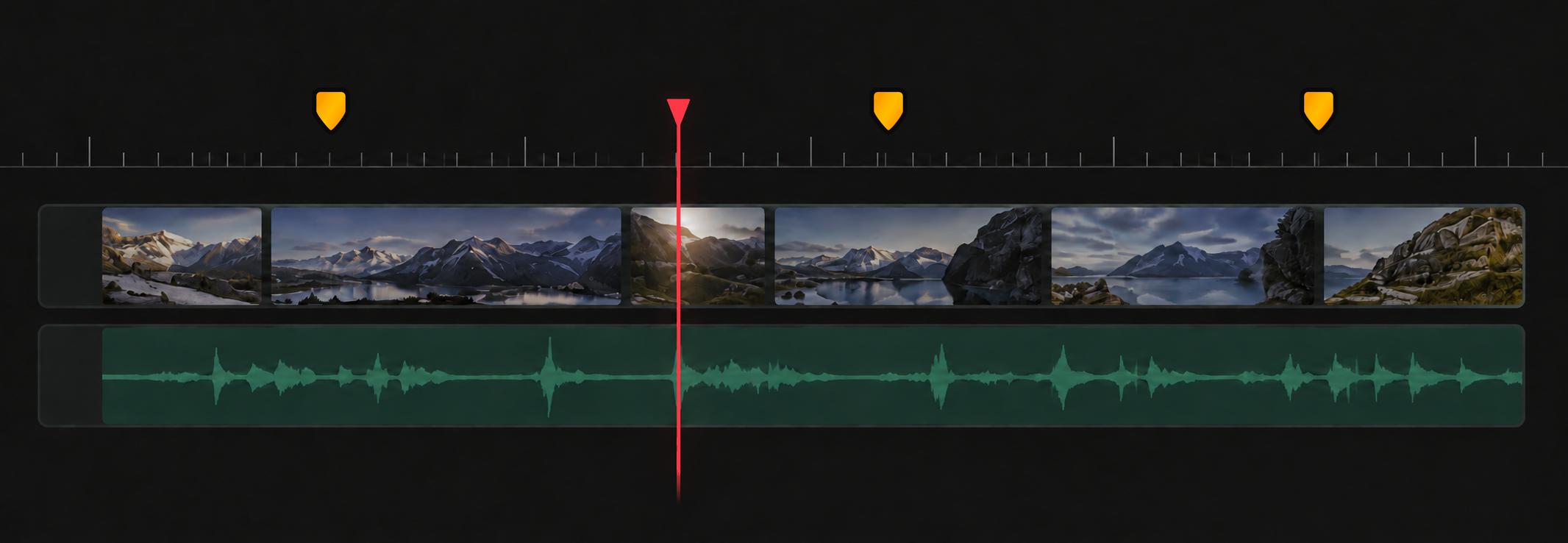
Meta Note’s patent-pending integration brings production notes directly into DaVinci Resolve as timecoded markers.

About the developer
I’m Cory McCabe. I work across filmmaking and hands-on app development—from directing and producing short films and mini-series, to editing and product interface design.
I built Meta Note to close a gap I knew from that work: a note made on set should still be easy to find and act on in the edit.
That’s why Meta Note keeps timecode and contributor context with each note, then brings those notes into the timeline as markers.
More about CoryFree & Pro
Typed notes, voice transcription, and Resolve markers are included.
| Features | Free | Pro |
|---|---|---|
| Projects | 1 | Unlimited |
| Timecode | Standard | Custom |
| Marker colors | Yellow | All |
| Team collaboration | — | |
| Apple Watch recording | — |
Pro pricing is shown inside the app when you choose to upgrade.
Good to know
DaVinci Resolve is supported today. Avid Media Composer, Final Cut Pro, and Premiere Pro are in development. Choose the platforms you want to hear about below.
You can keep capturing on set. When you are signed in and online, projects and production days stay current across iPhone and Mac.
Download Meta Note for iPhone or Mac from the App Store. You can start using it for free.
Current pricing is shown inside the app when you choose to upgrade.
Join the crew
New integrations and features, sent to your inbox.
The latest release
Capture the thought on set and keep its timing and production context ready for the edit.
Read release notes ↗